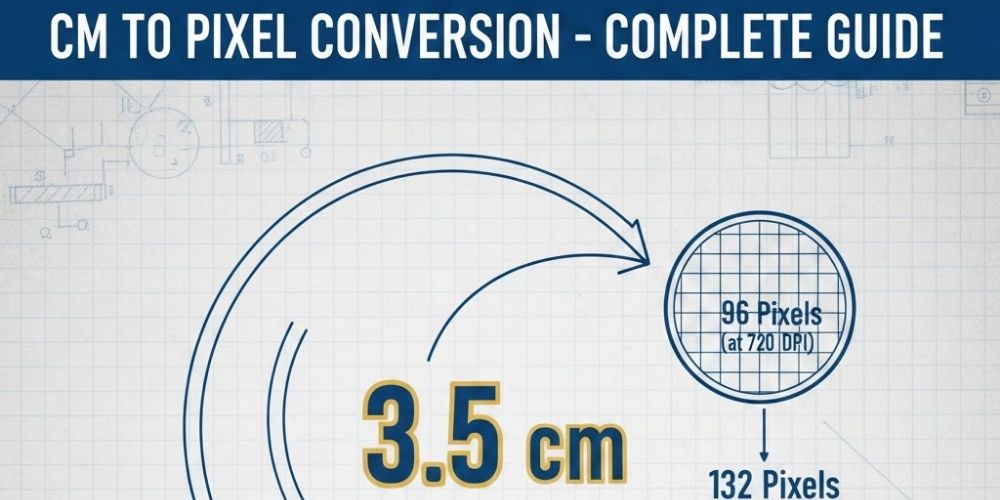
When working with digital designs, images, or print layouts, you often need to convert centimeters (cm) into pixels (px). Since centimeters are a physical measurement and pixels are a digital unit, the conversion depends on DPI (dots per inch). This is why 3.5cm does not have one fixed pixel value.
A clear understanding of DPI helps you achieve accurate and reliable results, whether you’re designing for digital screens or preparing content for print.
What is DPI and Why It Matters
DPI describes how many pixels are displayed within one inch. A higher DPI packs more pixels into the same physical space, which results in clearer and sharper images.
- Lower DPI → fewer pixels → used for web and screens
- Higher DPI → more pixels → used for high-quality printing
Because of this, the pixel value of 3.5cm changes based on the DPI you select.
CM to Pixel Conversion Formula
To convert centimeters into pixels, use this formula:
Pixels = (Centimeters × DPI) ÷ 2.54
Why 2.54?
Because 1 inch equals 2.54 centimeters.
3.5cm to Pixels at Common DPI Values
Here are the most commonly used conversions:
- 96 DPI (Web standard):
3.5cm ≈ 132 pixels - 150 DPI (Medium-quality print):
3.5cm ≈ 207 pixels - 300 DPI (High-quality print):
3.5cm ≈ 413 pixels - 600 DPI (Professional printing):
3.5cm ≈ 827 pixels
For websites and user interface designs, 96 DPI is typically enough, while print projects usually require 300 DPI or higher for the best quality.
Example Calculation
Let’s convert 3.5cm to pixels at 96 DPI:
Pixels = (3.5 × 96) ÷ 2.54
Pixels ≈ 132 px
This means that an element measuring 3.5 cm in width will display at approximately 132 pixels on a standard screen.
When Should You Use This Conversion?
You’ll need to convert 3.5 cm to pixels in scenarios such as:
- Building website designs
- Designing social media visuals
- Preparing print materials like flyers or brochures
- Adjusting exact dimensions of images in design software
- Crafting flexible UI components
Accurate pixel sising helps maintain consistency and a professional look.
Key Points to Remember
- 3.5 cm converts to pixels differently based on resolution
- DPI controls how many pixels fit in a measurement
- Use 96 DPI for screens and 300 DPI for high-quality prints
- To get accurate results, always use the conversion formula
To guarantee precise results, use the conversion formula every time, and simplify the process with Inches to Pixels Converter